
Emailing a file feels like the most natural thing in the world. It is fast, everyone knows how, and it works. Which is exactly why it has quietly become one of the biggest unmanaged risks in how agencies and small businesses handle sensitive information. The habit is so ingrained that almost nobody stops to ask what actually happens to a file once it leaves the outbox — and the honest answer should make you uncomfortable.
When you email a document, you lose control of it completely and permanently. You cannot un-send it. You cannot revoke access to it. You do not know if it was forwarded, to whom, or how many times. You do not know how many inboxes it now sits in, on how many devices, backed up to how many servers, indefinitely. That contract, that spreadsheet of customer data, that set of login credentials, that financial statement — it is now scattered across systems you neither see nor control, and it will stay there essentially forever.
This article is about breaking the email habit for sensitive files: understanding the real risks, what a modern alternative looks like, and how moving to secure, controlled sharing is not only safer but actually a better experience for your clients.
The real risks of email as a file transfer system
Email was designed in an era with very different assumptions, and it was never built to be a secure file transfer system. Using it as one exposes you in several specific, concrete ways.
You permanently lose control. This is the core problem, and everything else follows from it. Once sent, a file is beyond recall. No revoking, no expiring, no limiting further sharing. If your relationship with a client or contractor ends, every sensitive file you ever emailed them remains in their possession forever. There is no take-back.
Copies proliferate uncontrollably. A single emailed file does not exist in one place. It lives in your sent folder, their inbox, everyone who was CC’d, every device those inboxes sync to, and every backup of every one of those systems. One attachment can become dozens of copies across systems with wildly different security. Each copy is an independent chance for exposure, and you are aware of none of them.
Misdelivery is one autocomplete away. Sending sensitive information to the wrong person is one of the most common data-exposure incidents there is, and email is practically engineered to cause it. Autocomplete suggests the wrong “David,” you hit reply-all instead of reply, you grab the wrong thread. The file is gone before you finish reading the name, and it cannot be recalled.
Attachments are an attacker’s favorite channel. Email attachments are a primary vector for malware and phishing. Training everyone to routinely send and open attachments — and to expect them from clients — normalizes the exact behavior attackers exploit. The more your workflow depends on trading attachments, the more numb everyone becomes to the malicious one.
It creates compliance and professional exposure. If you handle personal, financial, health, or otherwise regulated data, scattering it across email may run directly against your obligations. And beyond formal compliance, there is a professional dimension: clients increasingly expect their sensitive information to be handled with visible care. Fair or not, “just email it to me” can read as amateurish to a security-conscious client — and impress them when you offer something better.
The uncomfortable summary is that the most common way small businesses share sensitive files is also one of the least secure, least controlled, and least professional ways available. The habit persists purely because it is easy, not because it is remotely adequate.
Secure portals: control that email can never offer
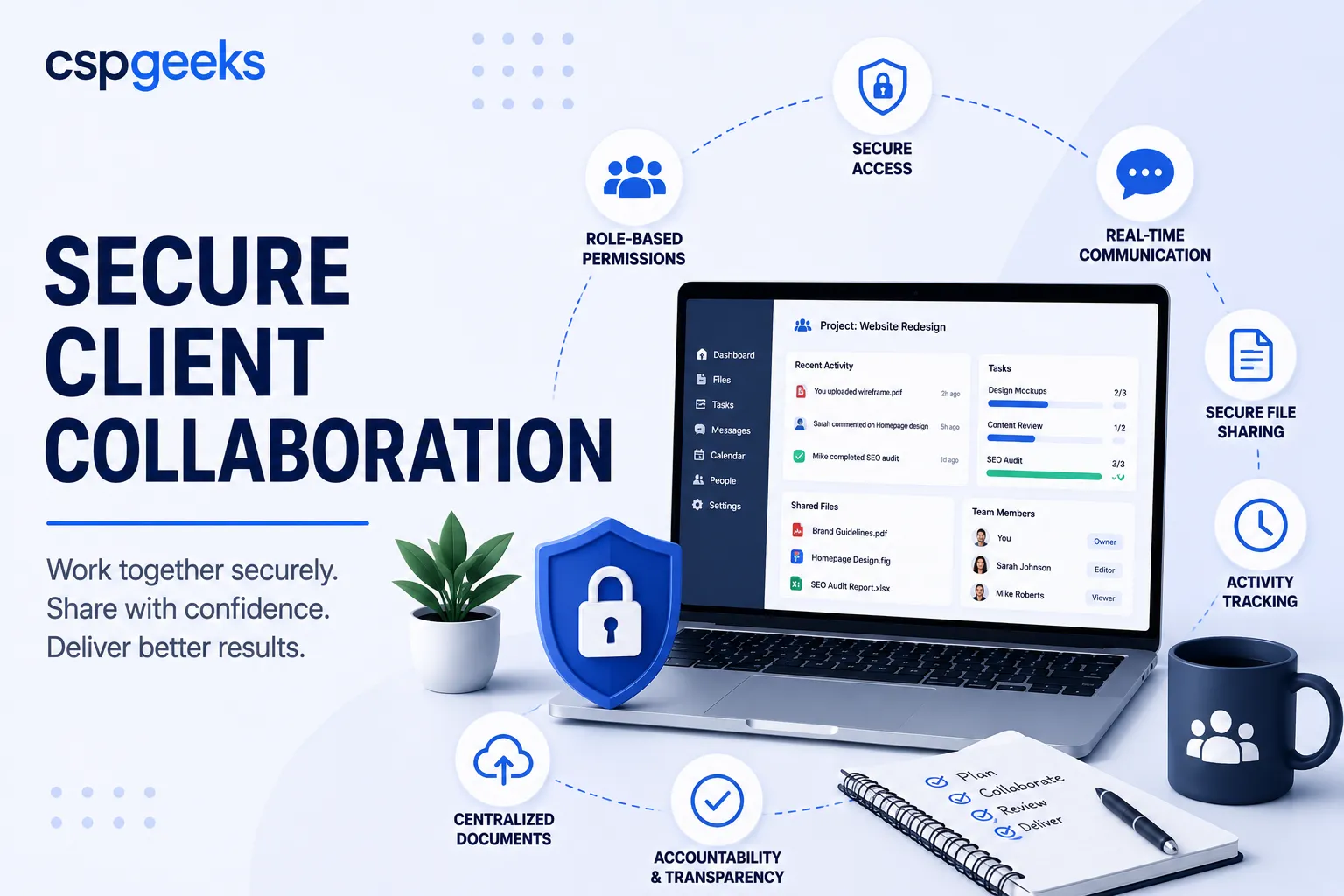
The modern alternative to emailing files is a secure sharing environment — a client portal or controlled file-sharing system where files live in one managed place and people are granted access to them, rather than being handed permanent copies. This is not a marginal improvement. It is a fundamentally different and better model, because you keep control instead of surrendering it.
The shift is from distributing copies to granting access. Instead of pushing a file out to live forever in someone else’s world, you keep the file in a secure environment and let the right people reach it under rules you set and can change. That single change fixes most of email’s failures at once, and unlocks a set of capabilities email structurally cannot provide.
Granular, revocable permissions. You decide precisely who can access what, and whether they can view, download, edit, or share it. When circumstances change — a project ends, a contractor rolls off, someone was granted too much — you revoke or adjust access instantly. Compare that to email, where “revoke” is not a concept that exists.
Expiring and limited access. Share something that automatically expires after a set time or a set number of views. The information is available exactly as long as it needs to be, and no longer, rather than lingering in an inbox for years.
A single source of truth. Because the file lives in one managed place, there is one current version. No more “which attachment was the latest?”, no more five slightly different copies drifting across a thread. When it is updated, everyone with access sees the update.
A real audit trail. The system records who accessed what and when — a capability that matters enormously for security, for compliance, and simply for knowing whether a client has actually seen the thing you sent. Email gives you a “sent” timestamp and nothing else.
A stronger security posture. A purpose-built sharing environment can enforce encryption, authentication, and access controls consistently, in one place, instead of relying on the security of every inbox and device a file might scatter to.
Permissions and access control done right
The power of a secure portal is only realized if you actually use its controls thoughtfully. Dumping everything into a shared folder that everyone can see is barely better than email. A few principles make the difference.
Work from least privilege: give each person the minimum access they need to do their part, and no more. A client reviewing deliverables does not need access to your internal working files. A contractor on one project does not need the other eleven. Narrow, deliberate access shrinks the blast radius when — not if — an account is compromised or a relationship ends badly.
Separate internal from external deliberately. Client-facing spaces should be clearly bounded so that inviting a client in never risks exposing something internal. This separation should be structural, enforced by the system, not a matter of everyone being careful, because “be careful” fails eventually.
Give clients and collaborators their own identities rather than shared logins. Shared credentials are their own quiet disaster: you cannot tell who did what, you cannot revoke one person without disrupting everyone, and the password inevitably ends up somewhere it should not. Individual access is what makes audit trails meaningful and offboarding clean — remove one person without touching anyone else.
And review access periodically. Permissions accumulate. People gain access for a reason that later evaporates and keep it indefinitely. A periodic look at who can reach what, with prompt pruning of the stale, keeps access aligned with reality instead of drifting ever wider.
Audit trails: knowing who did what
The audit trail deserves its own moment, because it is a capability email simply cannot offer and its value is easy to underestimate until you need it.
An audit trail is a record of activity — who accessed a file, when, what they did. It matters in several ordinary situations, not just dramatic ones. For security, it is how you investigate whether something was actually accessed and by whom if you suspect a problem; without it you are guessing. For compliance, many obligations effectively require you to demonstrate control over sensitive data, and a log is that demonstration. For the client relationship, it quietly answers everyday questions — did the client see the proposal, has the contract been opened — without an awkward “did you get my email?” And for accountability, when several people touch shared work, a clear record of who changed what removes ambiguity and defuses disputes before they start.
Email offers essentially none of this. You know you sent something. Everything after that is a blind spot. A secure sharing environment replaces the blind spot with a record, and that record turns out to be useful far more often than people expect.
The client experience: security that feels like professionalism
Here is the part that reframes the whole conversation: secure sharing is not a security tax you impose on clients at the cost of convenience. Done well, it is a better experience for them — and one that makes you look more capable.
Think about the client’s side of the email approach. They are hunting through their inbox for the latest version. They are unsure which attachment is current. Important files are buried under everything else competing for their attention. They have no clear, organized place to find what relates to their project. It is disorganized on their end too, not just risky on yours.
A well-designed portal flips that. The client gets one clear, organized, professional place for everything related to their work — current versions, easy to find, always where they expect it. Many clients, especially larger or more security-conscious ones, actively prefer it and increasingly expect it; being asked to trade sensitive documents over email can quietly signal that a vendor is behind the times. Offering a polished, secure, organized space signals exactly the opposite: that you take their information, and your own operation, seriously.
So the framing “security versus convenience” is a false choice. The secure option, built thoughtfully, is also the more convenient and more professional one. You rarely have to choose between protecting the client and pleasing them. The better tool does both.
A secure collaboration checklist
- Sensitive files are shared through a controlled environment, not emailed as attachments.
- Permissions are granular and revocable, set per person and adjustable the moment things change.
- Access can expire automatically when it is no longer needed.
- There is a single source of truth for each file, so versions do not fork and drift.
- An audit trail records who accessed what and when.
- Clients and contractors have individual identities, never shared logins.
- Internal and external spaces are structurally separated.
- Access is reviewed periodically and stale permissions are pruned.
- The client experience is organized and professional, not a scavenger hunt through an inbox.
Frequently asked questions
Isn’t email fine if I just password-protect the file or the zip? It helps a little, but it does not fix the core problems. You still cannot revoke access, still cannot stop it being forwarded, still create uncontrolled copies, and the password often travels in the same channel anyway. Password-protection is a patch on the wrong tool, not a substitute for controlled access.
My clients are used to email. Won’t a portal be friction for them? A well-designed portal is usually less friction, not more — one organized place beats hunting through an inbox for the right attachment. And many clients now expect secure sharing and view it as a mark of professionalism. The key is choosing something genuinely easy to use, so the security is invisible and the convenience is obvious.
Do we really need audit trails if we’re a small business? They are more useful than they sound, regardless of size. They let you investigate a suspected problem instead of guessing, help you meet obligations if you handle regulated data, and answer everyday questions like whether a client has opened a document. Small businesses benefit precisely because they rarely have other ways to get that visibility.
What’s wrong with a shared consumer cloud-drive link? Consumer file-sharing is a step up from email but often lacks the granular permissions, expiry, individual identities, audit trails, and clean separation of internal and external content that real client work needs. Convenience-first tools tend to encourage broad, permanent, hard-to-track access — better than an attachment, still short of controlled collaboration.
Where CSP Geeks fits
This is the exact problem we built Mage Shares to solve: a simpler, safer way to collaborate with clients and share files, so sensitive documents live in a controlled environment with real permissions, expiring access, individual client identities, and an audit trail — instead of scattering across inboxes forever.
It is designed to fit the way agencies actually work, and it sits within the wider CSP Geeks ecosystem alongside Press Mage for secure hosting and Mage Intake for secure forms and intake — so the moment a client’s information enters your world, through a form or a shared file, it is handled with consistent care rather than passed around in the open.
If your team still trades sensitive files over email — and most do — that habit is worth replacing before it becomes an incident. We are happy to show you what secure client collaboration looks like in practice and help you make the switch without disrupting the clients who are used to the old way.
Related reading: Your Website Is Not Secure Just Because It Has HTTPS · Backups Don’t Matter Until They Do · Why an Integrated Technology Ecosystem Beats Best-of-Breed Chaos