
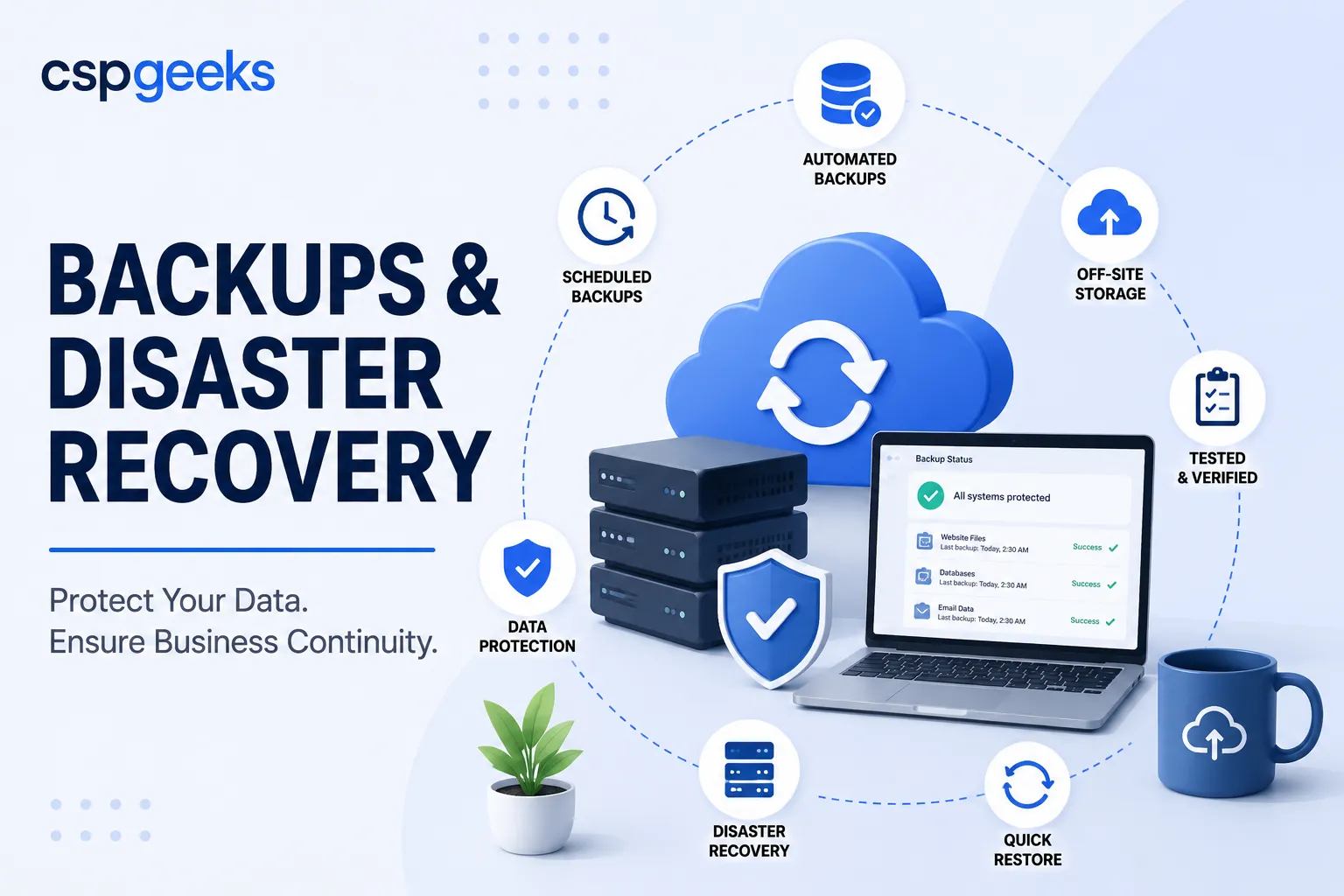
Backups are the most boring topic in technology right up until the exact moment they become the only thing that matters. On an ordinary Tuesday, nobody thinks about them. On the Tuesday your site goes down, a bad update corrupts your database, an employee deletes the wrong thing, or ransomware encrypts everything you own, your backups are suddenly the difference between a bad afternoon and an existential crisis for your business.
Here is the hard part: the moment you need a backup is the moment it is too late to create one. Whatever protection you have on that Tuesday is whatever you set up on some earlier, calmer day when it felt like it could wait. That is the entire challenge of backups as a discipline. The work is invisible and easy to defer, and the reckoning arrives without warning.
This article is about doing that calm-day work properly — understanding what a real backup strategy involves, why the intuitive approach quietly fails, and how to think about recovery so that when disaster comes, and over a long enough horizon it comes for everyone, it is survivable.
The backup myths that get businesses hurt
Most backup disasters are not the result of having no backups at all. They are the result of believing something about your backups that was not true. A few myths do the most damage.
“My host backs everything up, so I’m covered.” Maybe. But do you know how often, how long they retain those backups, whether they cover your database and files or just one of them, how you would actually initiate a restore, and how long it would take? Many hosting backups are a courtesy, not a guarantee — they may be infrequent, short-lived, or offered with no promise about recovery. If your entire recovery plan depends on assumptions about a provider you have never tested, you do not have a backup strategy. You have a hope.
“I have a backup, so I’m safe.” Having a backup and being able to recover from it are two very different things. Backups fail silently all the time — the job that has been “running” for six months was actually erroring out, the file is corrupt, it is missing the database, or nobody remembers the credentials to restore it. An untested backup is not a backup. It is a guess wearing a backup’s clothing.
“Backups protect me from ransomware.” Only if they are isolated. Modern ransomware specifically seeks out and encrypts or deletes connected backups before it triggers, precisely because attackers know backups are how victims avoid paying. A backup sitting on the same server or the same always-connected drive as your live data can be taken out in the same stroke. Ransomware is a leading threat to small businesses specifically because so many of them discover, mid-attack, that their backups were reachable too.
“I’ll set it up once and forget it.” Systems change. New data, new sites, new services. A backup configuration that was complete a year ago may be silently missing everything you have added since. Backups need periodic review, not one-time setup.
The thread connecting every one of these is a gap between believing you are protected and actually being protected. Closing that gap is what the rest of this article is about.
The 3-2-1 rule: the strategy that actually works
The most durable, widely endorsed backup principle is simple enough to remember and strong enough to survive real disasters. It is called the 3-2-1 rule:
- 3 copies of your data (your live data plus at least two backups),
- on 2 different types of media or storage,
- with 1 copy kept off-site.
Each number defends against a different failure. Multiple copies protect against any single backup being corrupt or incomplete. Different storage types protect against a failure mode that takes out one kind of storage. And the off-site copy — the most important of the three — protects against anything that hits your primary location or your primary provider: a server failure, an account compromise, a ransomware event that reaches everything connected, a physical disaster.
That off-site, ideally isolated copy is what turns ransomware from a business-ending event into a costly inconvenience. If attackers encrypt your live environment but cannot reach a clean, separated backup, you restore and move on rather than negotiating with criminals. The isolation is the point. A backup an attacker can reach is a backup an attacker can destroy.
Many teams now extend this thinking to “3-2-1-1-0” — adding one copy that is offline or immutable (cannot be altered or deleted, even by someone with admin access), and zero errors verified through testing. The core idea is unchanged: redundancy, diversity, separation, and proof that it works.
Recovery testing: the step everyone skips
If there is one sentence to tattoo onto your backup strategy, it is this: a backup you have never restored is not a backup you can rely on.
Recovery testing means periodically taking a backup and actually performing a restore — ideally into a separate environment — to confirm three things: that the backup is complete, that the restored system actually works, and that you know the steps and how long they take. This is the step almost everyone skips, because it is effort spent on a problem that has not happened yet. It is also the step that separates businesses that recover smoothly from businesses that discover, at the worst possible moment, that their safety net has a hole in it.
Testing does not have to be constant. A periodic restore — quarterly is a reasonable rhythm for many businesses, more often for critical systems — is enough to catch silent failures and keep your recovery steps fresh in someone’s memory. Do it once and you will almost always learn something: a missing component, a step that takes longer than expected, a credential nobody had written down. Far better to learn it during a drill than during a fire.
RPO and RTO: the two numbers that define your plan
Two pieces of jargon are worth learning, because they turn the vague wish “I want good backups” into concrete decisions you can actually make and budget for.
RPO — Recovery Point Objective answers: how much data can I afford to lose? It is the maximum acceptable gap between your last good backup and the moment of failure. If you back up once every 24 hours, your RPO is up to 24 hours — a failure could cost you a full day of data. If losing a day of orders, form submissions, or content updates would be seriously painful, you need more frequent backups and a tighter RPO. If it is a mostly static brochure site, a daily or even weekly RPO may be perfectly fine.
RTO — Recovery Time Objective answers: how long can I afford to be down? It is the maximum acceptable time to get back to operational after a failure. A business that takes orders around the clock has a very different RTO from a local service business whose site is essentially a digital brochure. Your RTO drives how fast and how automated your recovery needs to be.
The value of these two numbers is that they force an honest conversation about what downtime and data loss actually cost you, and let you buy protection proportional to that cost. There is no universal right answer — a tighter RPO and RTO generally cost more, and the goal is to match your protection to your real exposure, not to gold-plate a low-stakes site or, worse, under-protect a business-critical one. Downtime is not free: industry estimates of the cost of an hour of downtime for small and mid-sized businesses run into the thousands of dollars once you count lost sales, idle staff, and reputational damage, which is exactly why setting these numbers deliberately matters.
Choosing a backup approach and provider
When you evaluate how your backups are handled — whether you do it yourself or rely on a provider — press on these points:
- Frequency and retention. How often are backups taken, and how far back can you go? You want enough history to recover from a problem you did not notice immediately, not just last night’s copy — which may already contain the corruption or infection you are trying to escape.
- Coverage. Do the backups include everything — databases, files, configuration — or just part of the picture? A backup missing your database is not a backup of your website.
- Off-site and isolation. Is at least one copy stored separately and, ideally, in a form that cannot be reached and destroyed from your live environment? This is your ransomware and disaster protection.
- Automation. Backups that depend on someone remembering to run them will eventually be forgotten. They should be automatic and monitored, with alerts when a job fails.
- Restore process and speed. How do you actually recover, who can do it, and how long does it take? Map this to your RTO. A backup you cannot restore quickly under pressure may not meet your real needs.
- Testing. Is recovery verified, or merely assumed? Ask specifically how and how often restores are tested.
- Immutability. For serious protection, can backups be made tamper-proof so that even a compromised admin account cannot delete them?
Whether you run this yourself or delegate it, the goal is the same: automated, comprehensive, off-site, tested, and matched to RPO and RTO you have set on purpose rather than by accident.
A disaster recovery checklist
- Backups run automatically on a defined schedule, with alerts on failure.
- Coverage is complete — databases, files, and configuration all included.
- At least one copy is off-site, and ideally isolated or immutable.
- Retention is long enough to recover from a problem discovered days or weeks later.
- Your RPO and RTO are defined deliberately, based on what downtime and data loss actually cost you.
- Restores are tested on a regular schedule by actually performing them.
- The recovery steps are documented, and more than one person knows them.
- The configuration is reviewed periodically so new systems and data are actually being captured.
Frequently asked questions
Isn’t my hosting provider’s backup enough? It might be part of the answer, but rarely the whole answer. Confirm the frequency, retention, coverage, and — critically — that you can actually restore from it and how long that takes. If your entire plan rests on a provider backup you have never tested, treat that as an unverified assumption, not a strategy.
How often should I back up? That is exactly what your RPO decides. Back up frequently enough that the maximum data you could lose is an amount you can live with. A busy transactional site may need very frequent backups; a mostly static site may be fine with daily or weekly. Set the number on purpose.
How do backups protect me from ransomware specifically? Only isolated backups do. Modern ransomware hunts for connected backups and destroys them first. An off-site copy that cannot be reached from your live environment — ideally immutable — is what lets you restore instead of paying. Reachability is the whole risk.
Do I really need to test restores if the backups are running fine? Yes, because “running fine” and “restorable” are different claims. Backups fail silently more often than people expect. A periodic test restore is the only way to convert “we have backups” into “we can recover,” and it almost always surfaces a problem worth knowing about before an emergency.
Where CSP Geeks fits
Backups are one of those disciplines where the right answer is to make the safe thing automatic, so it does not depend on anyone’s memory on a busy week.
Press Mage is built with automated, off-site backups as part of the platform rather than an add-on you configure and hope about — paired with the managed patching and staging that let updates be rolled back cleanly when something goes wrong. The intent is that the boring, invisible work described in this article is simply handled, and that a bad Tuesday stays a bad Tuesday instead of becoming a bad quarter.
If you are not certain what would actually happen to your business if your site went down or your data was lost tomorrow, that uncertainty is itself the finding. We are happy to review your current backup and recovery posture, define sensible RPO and RTO for your situation, and tell you honestly where the gaps are — before the day you would otherwise discover them the hard way.
Related reading: Your Website Is Not Secure Just Because It Has HTTPS · The Agency Technology Stack That Actually Scales · Why an Integrated Technology Ecosystem Beats Best-of-Breed Chaos