
There is a comforting little padlock in the corner of your browser’s address bar, and a lot of business owners look at it and conclude their website is secure. It is one of the most expensive misunderstandings in small business technology.
The padlock means one specific thing: the connection between a visitor’s browser and your server is encrypted, so someone sitting on the same coffee-shop Wi-Fi cannot read the traffic in transit. That is genuinely valuable, and every site should have it. But it says nothing about whether your website itself is secure. HTTPS protects data on the way to your site. It does absolutely nothing to protect the site from being hacked, defaced, infected with malware, or quietly turned into a launchpad for attacks on your visitors.
Treating HTTPS as “security handled” is like installing an armored front door on a house with the windows left open. This article walks through what real website security actually looks like — the threats you are facing, the layered defense that addresses them, and the ongoing operational work that separates a site that stays secure from one that only looks secure until the morning you discover it is not.
The threat landscape most owners never see
The first thing to understand is that most website attacks are not personal. Nobody sat down and decided to target your business specifically. The overwhelming majority of attacks are automated — bots endlessly crawling the internet, probing every site they find for known weaknesses, at a scale no human could match. Your site does not have to be interesting to be attacked. It just has to be reachable, which it is.
This matters because it dismantles the most common excuse for neglecting security: “we’re too small to be a target.” You are not too small. To an automated scanner, you are indistinguishable from a Fortune 500 company — just another IP address to test. Small businesses are attacked constantly, and they are often more attractive to opportunistic attackers precisely because they tend to be less defended.
The tools most small businesses build on compound this. WordPress alone powers roughly 43% of all websites, according to widely cited data from W3Techs. That popularity is a strength — huge community, endless plugins — but it also makes the platform and its plugin ecosystem an enormous, well-understood target. When a vulnerability is discovered in a popular plugin used by hundreds of thousands of sites, automated attacks against that vulnerability begin within hours. The question is not whether the bots will find you. It is whether your site is patched before they do.
What are they actually trying to do once they get in? Usually one of a few things: inject spam or malicious code so your site infects your own visitors, hijack your server to send spam or attack other targets, steal whatever customer or form data you store, hold your site ransom, or simply deface it. Any of these can quietly destroy the trust you have spent years building — and search engines will blocklist an infected site, erasing your traffic overnight.
Defense in depth: security as layers, not a switch
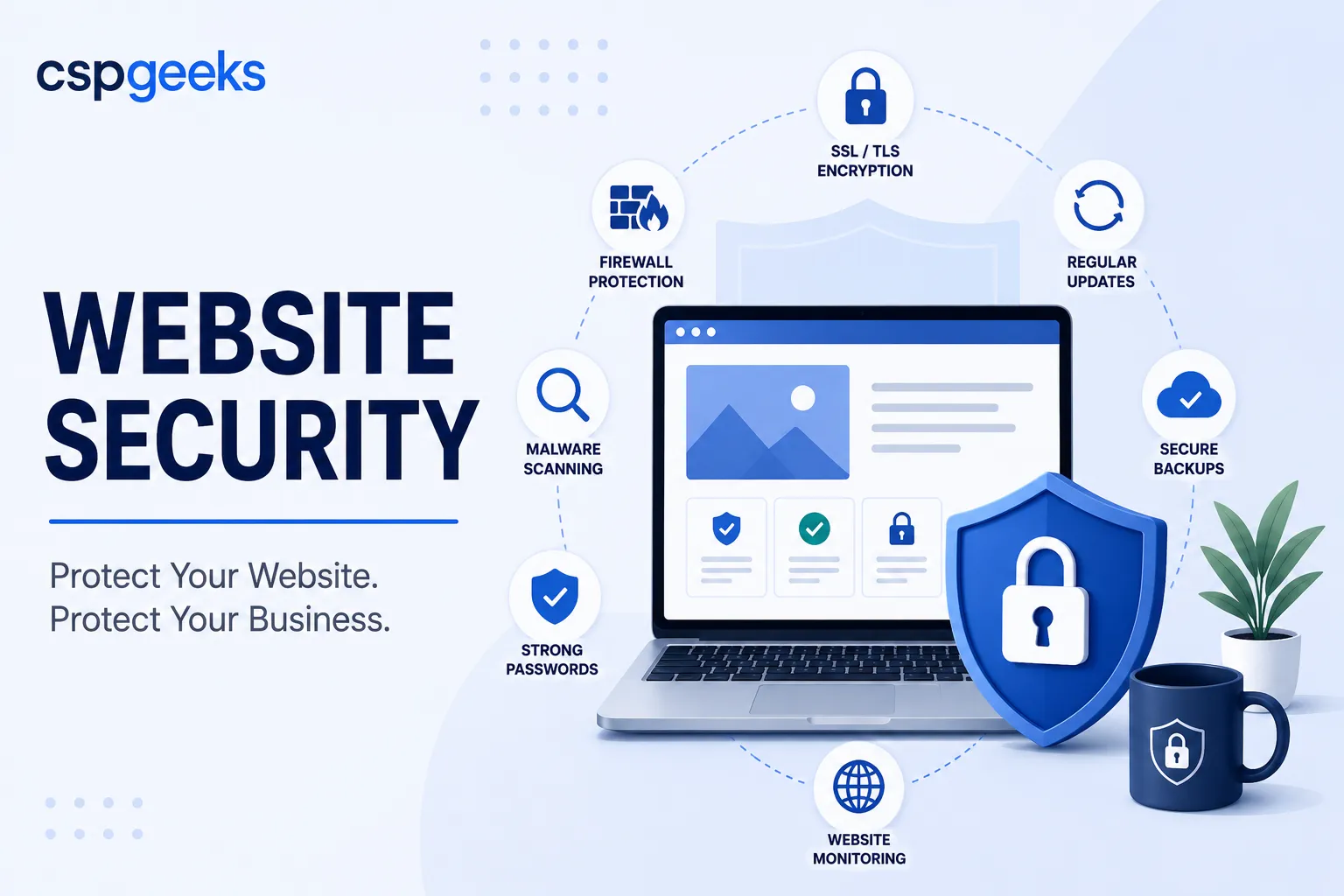
Real security is not a product you buy or a box you check. It is a set of overlapping layers, each catching what the others miss. Security professionals call this “defense in depth,” and the idea is simple: assume any single layer can fail, and make sure another one is behind it. Here are the layers that matter for a business website.
Encryption in transit (HTTPS/TLS). This is your padlock. Necessary, universal, and — as we have established — only the beginning.
A web application firewall (WAF). A WAF sits in front of your website and inspects incoming traffic, filtering out malicious requests before they ever reach your application. It blocks common attack patterns — injection attempts, known exploit signatures, bad bots — and can “virtually patch” a newly discovered vulnerability, shielding your site during the dangerous window between when a flaw is disclosed and when the official fix is applied. For a platform like WordPress, a good WAF is not optional; it is one of your most important defenses.
Hardened configuration. Most systems ship with convenient defaults, not secure ones. Hardening means turning off what you do not use, restricting file permissions, disabling risky features, removing default accounts, and closing the countless small doors that come open out of the box. It is unglamorous and it is where a great deal of real-world security actually lives.
Access control and strong authentication. Weak and reused passwords remain one of the most common ways sites get compromised. Multi-factor authentication, the principle of least privilege (people get the minimum access they need and no more), and prompt removal of access when someone leaves are foundational. Every admin account is a key to the building; treat them accordingly.
Managed patching. More on this below, because it is the layer that fails most often.
Monitoring and detection. You cannot respond to what you cannot see. Monitoring watches for the signs of compromise — unexpected file changes, malware signatures, traffic anomalies, unauthorized logins — so a breach is caught in hours rather than discovered months later by a customer or by Google’s blocklist.
Backups. Your last line of defense. When everything else fails, a clean, tested, recent backup is what turns a catastrophe into an inconvenience. Backups deserve their own full treatment, and we give them one in a companion article.
No single layer here is sufficient. Together, they make your site a hard enough target that automated attacks move on to easier prey — which is the realistic goal. Perfect security does not exist. Being meaningfully harder to compromise than the millions of neglected sites around you is an achievable and worthwhile one.
Managed patching: the layer that quietly fails
If you take one operational lesson from this article, make it this one. The single most common reason business websites get hacked is unpatched software. A vulnerability is discovered, the maintainers release a fix, the fix is publicly documented — and the site owner never applies it. Automated attacks specifically hunt for sites running outdated, known-vulnerable versions, because those are guaranteed easy wins.
The uncomfortable truth is that patching is a discipline, and discipline is exactly what a busy agency or small business struggles to sustain. Updates need to be applied promptly, but they also need to be tested, because an update occasionally breaks something. That tension — apply fast versus apply safely — is why patching so often gets deferred “until we have time,” which is to say never, until the site is compromised.
This is where managed patching earns its keep. A managed approach applies updates promptly across the core platform, plugins, themes, and underlying server software, ideally with a staging step so changes can be verified before they hit the live site, and with backups in place so a bad update can be rolled back in minutes. The point is to remove the reliance on someone remembering, when they are already underwater, to do a tedious task correctly every single time. Security that depends on heroics is not security. It is luck with a countdown timer.
Monitoring and incident response
Two questions separate organizations that handle a breach well from those that handle it catastrophically: Will you know when it happens? and Do you know what you will do?
Monitoring answers the first. The difference between detecting a compromise in hours and discovering it in months is enormous. An early catch might mean cleaning up before any real damage is done. A late one might mean months of your visitors being served malware, your search rankings destroyed, your data long since exfiltrated, and your reputation in the hole. Effective monitoring watches file integrity, scans for malware, flags anomalies in traffic and logins, and alerts a human who can act.
Incident response answers the second. Hope is not a plan, and the middle of a live compromise is the worst possible time to figure out your plan from scratch. A basic incident response plan answers, in advance: How do we take the site offline or into a safe state? Who is notified? Where is our most recent clean backup, and have we confirmed it actually restores? How do we determine what was accessed? What are our obligations to notify customers or regulators if their data was involved? You do not need an enterprise playbook. You need to have thought about these questions before the day you need the answers, because on that day you will not have the calm to think clearly.
A website security checklist
Use this to gauge where you stand today. Every “no” is a window left open.
- HTTPS is enabled across the entire site, with no mixed-content warnings and auto-renewing certificates.
- A web application firewall is active in front of the site.
- Everything is kept patched — core platform, plugins, themes, and server software — promptly and reliably, not “when we get to it.”
- Multi-factor authentication is required on all administrative accounts.
- Access follows least privilege, and departed staff and contractors are offboarded immediately.
- The configuration is hardened — unused features disabled, default accounts removed, file permissions restricted.
- Monitoring is in place for malware, file changes, and anomalous activity, with alerts going to a real person.
- Backups are automated, off-site, and tested by actually restoring them, not just assumed to work.
- An incident response plan exists and names who does what.
- Someone owns website security as an explicit responsibility. “Everyone” owning it means no one does.
If you cannot confidently check most of these, your site is not as secure as the padlock suggests — and you are relying on not being noticed, which is not a strategy.
Frequently asked questions
Do I really need a WAF if I already have HTTPS and strong passwords? Yes. They defend against different things. HTTPS encrypts traffic and strong passwords protect accounts, but neither stops an attacker exploiting a vulnerability in your software. A WAF specifically filters malicious requests and can shield a known flaw before you have patched it. They are complements, not substitutes.
Isn’t WordPress just insecure? Should I avoid it? WordPress core is actively maintained and reasonably secure when kept current. Most WordPress compromises trace back to outdated plugins, weak passwords, or poor hosting — not the platform itself. Run on secure hosting, keep everything patched, and be selective about plugins, and WordPress is a perfectly sound choice. Its popularity makes it a big target, which is a reason to defend it properly, not to fear it.
How often do I need to update plugins and software? As promptly as practical after updates are released, because attacks against newly disclosed vulnerabilities begin fast — often within hours. The safe way to do this is with a staging environment and backups so updates can be verified and rolled back, which is exactly why many businesses hand patching to a managed service.
How would I even know if my site was hacked? Without monitoring, often you would not — until a customer reports a warning, your host suspends the account, or Google blocklists you. That delay is the whole problem, and it is why monitoring and alerting are core layers rather than optional extras.
Where CSP Geeks fits
We built our platform around a simple conviction: security should be the default state of a business website, not a project the owner has to keep initiating.
Press Mage, our private-cloud platform for agencies, is designed so the layers described here — a web application firewall, hardened configuration, managed patching with staging, monitoring, and automated off-site backups — come as part of the foundation rather than a stack of add-ons you have to assemble and remember to maintain. When client collaboration is involved, Mage Shares keeps file sharing inside a controlled, access-managed environment instead of scattered across email and consumer drives. The goal is to move security from something that depends on someone remembering, to something the environment does for you.
If you would like an honest read on where your current site stands, we offer a website security assessment that walks the checklist above against your actual setup and tells you plainly where the open windows are — no scare tactics, just a clear picture and practical next steps.
Related reading: Backups Don’t Matter Until They Do · Stop Emailing Sensitive Files · The Agency Technology Stack That Actually Scales