
The Value of a Comprehensive Website Launch Checklist
You’ve poured weeks (or months) of effort into your new agency website. The last thing anyone wants is for the “big reveal” to be undermined by hidden oversights: broken links, awkward mobile layouts, subpar performance, or security alerts. It happens more often than most admit, especially in high-pressure launches or DIY agency projects.
A detailed website launch checklist is your digital parachute—keeping teams aligned, minimizing last-minute surprises, and helping you launch with confidence. At CSP Geeks, we’ve seen it all: dream sites that dazzled because the small details did their job… and sites that cost reputations (and potential revenue) because routine steps were skipped. That’s why we champion comprehensive pre- and post-launch checklists as a core pillar of any successful digital stronghold. Think of this as your embedded mage squad’s playbook for flawless launches.
Pre-Launch Preparations: Domains, Hosting, SSL, Backups
Launching a site on shaky infrastructure is like building a castle on sand. Before you reveal your new online presence to the world, these technical foundations matter:
-
Domain Settings: Double-check DNS records and domain pointing. Is your domain securely redirected to your new site? Test configurations for www and non-www versions, and ensure any old URLs are redirected appropriately.
- Example: Agencies often overlook domain propagation times; launching before DNS changes fully take effect can lead to intermittent availability worldwide.
-
Hosting Environment: Is your hosting scalable to handle launch traffic? Have you set up your production site on a secure, isolated, and properly provisioned environment (such as the Press Mage platform for managed WordPress hosting)?
- Example: A growing marketing agency expecting a campaign spike should verify resource allocation during peak hours and have quick access to support if anything falters.
-
SSL Certificates: Confirm valid, up-to-date SSL is in place, and force HTTPS across your site. A single missed setting could trigger browser security warnings.
-
Automated Backups: Ensure daily backups are running and can be easily restored. Perform a manual backup before launch for peace of mind. If you’re using managed platforms like Press Mage, check retention settings and recovery procedures.
These items aren’t glamorous, but they’re fundamental. As an agency or small business owner, ticking them off enables you to sleep soundly the night before go-live.
Content and Design Checks: Mobile, Accessibility, Branding
A modern site must be more than visually striking—it has to work for everyone, everywhere, on any device. Here’s how to make sure it does:
-
Mobile Responsiveness: Test layouts on all major devices and browsers. Fix awkward breakpoints, check touch targets, and make sure interactive elements behave as expected.
- Example: An event company failed to test tablet view, leading to misaligned forms during a ticket sale. Avoid this with a cross-device review spanning the latest iOS, Android, and desktop environments.
-
Accessibility Compliance: Confirm contrast ratios, keyboard navigation, image alt tags, and ARIA roles. Many agencies are surprised to learn how easy it is to overlook accessibility, risking both reputation and legal headaches.
- Example: An accessibility audit using tools like Lighthouse or automated checkers can catch 80% of common issues.
-
Content Finalization: Proofread all copy, headlines, buttons, and error messages. Confirm translations and localization if serving multilingual audiences.
-
Brand Consistency: Validate logo use, color schemes, typefaces, and photography style. Are your legal footers, privacy, and TOS pages complete?
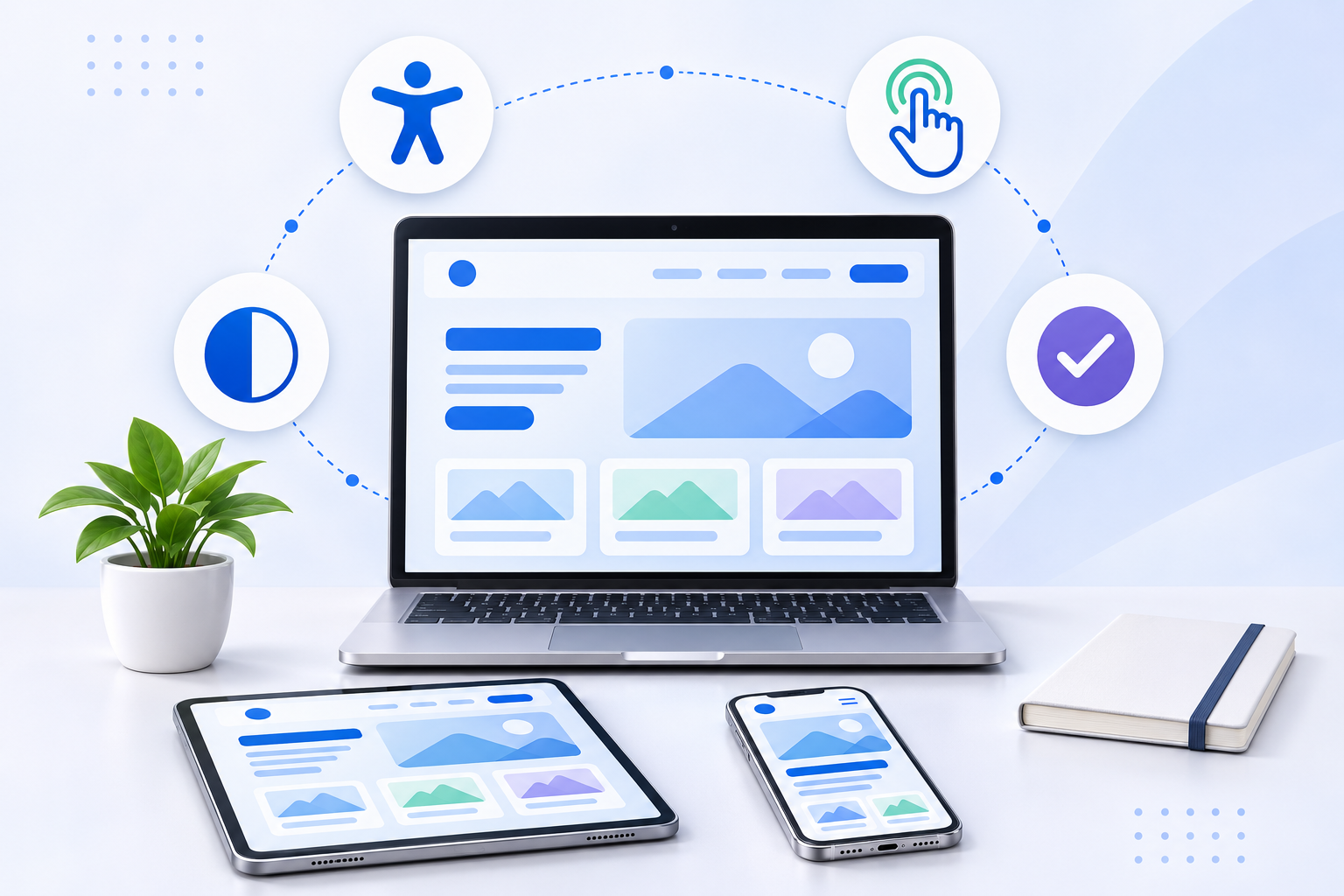
Nothing hurts a launch like customers encountering “lorem ipsum” placeholder text or a pixelated logo on their first visit. Make final content and branding checks part of every launch.
SEO Essentials: Metadata, Sitemaps, Robots.txt
If your site isn’t discoverable, it’s invisible. Ticking off these search engine optimization basics can make the difference between a silent and a spectacular launch:
-
Metadata: Set unique meta titles and descriptions for every key page. Meta data is often overlooked, yet it influences both rankings and click-through rates from search.
- Example: A travel brand that updated meta descriptions pre-launch saw a noticeable uptick in booking inquiries thanks to improved snippet visibility.
-
Sitemaps: Generate and submit XML sitemaps to Google Search Console and Bing Webmaster Tools. Verify that only intended pages are indexed.
-
Robots.txt and Noindex Rules: Double-check your robots.txt file isn’t blocking important sections. Remove any accidental noindex tags from live content.
- Example: It’s surprisingly common for agencies to forget disabling staging noindex settings, stalling organic growth post-launch.
-
Schema and Structured Data: Implement schema for enhanced search listings, especially for organizations, products, or local businesses.
Include technical SEO checks as a standard part of every launch. A little attention now can mean sustained traffic—and measurable impact—later.
Analytics and Tracking: Google Analytics, Tag Managers
A data-driven website is one that can be continually improved. Accurate analytics help agency leaders and business owners make strategic decisions after launch. Essential steps:
-
Google Analytics Installation: Place universal tracking codes (GA4 is the current standard). Verify that analytics are firing on all core pages, not just the home page.
-
Google Tag Manager (GTM) Setup: For those managing multiple scripts, GTM offers a more flexible and scalable option. Use it for conversion pixels, remarketing tags, or heatmap tools.
- Example: Following launch, an e-commerce client identified a checkout drop-off through enhanced tracking, leading to a redesigned checkout process and improved sales.
-
Testing Events and Goals: Confirm that events (form submissions, purchases, downloads) and goals are working as intended.
-
Privacy and Cookie Notices: Ensure compliance with GDPR and other privacy standards by implementing cookie banners and opt-in preferences if required.
Without these steps, your website becomes a black box—no insights, no improvement, and no proof of value to stakeholders.
Performance and Security Basics
Speed matters. Security matters even more. Both directly impact user trust, SEO, and conversion rates. Here’s how to raise the bar:
-
Page Load Speed: Use tools like Google PageSpeed Insights or built-in platform diagnostics (as on managed Press Mage hosting) to identify bottlenecks and optimize images, scripts, and code.
- Example: Agencies often compress homepage hero images by 60% with no visible quality loss, shaving seconds off load times.
-
Caching Configuration: Set up server-side and browser caching to ensure returning visitors enjoy fast experiences.
-
Security Hardening: Update all themes, plugins, and extensions. Perform malware scanning and activate a firewall at the application or platform level.
- Example: A nonprofit site thwarted a brute-force attack thanks to early rate-limiting rules set up during the launch process.
-
SSL/TLS Validation: Beyond initial SSL installation, verify that all assets and third-party resources load securely (no “mixed content” warnings).
-
Uptime Monitoring: Implement automated uptime checks to get alerted about outages within minutes, not hours.
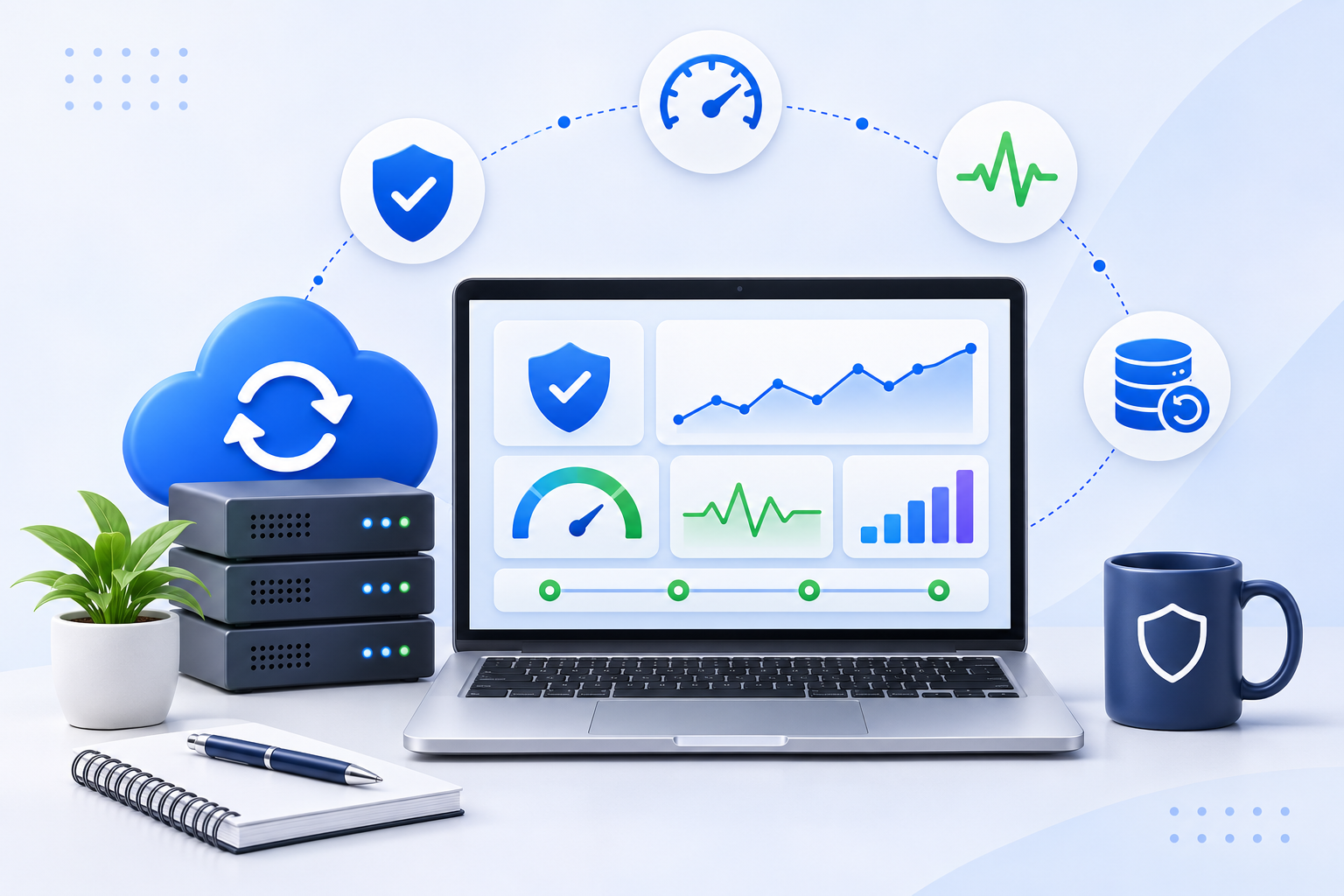
Performance and security never really end—but your launch checklist should ensure you’re starting strong.
Post-Launch Monitoring and Maintenance Steps
The work isn’t over when the site goes live. Proactive monitoring and maintenance safeguard your investment and reputation post-launch:
-
Broken Link and Error Checking: Run automated and manual crawls for 404s, broken images, or JavaScript errors. Even small agencies are amazed at what unexpectedly pops up.
-
Support Workflows: Establish a clear way for team members or clients to report issues. Consider managed help desk platforms, like GVenta, that streamline support tickets right out of the gate (see platform details).
-
Update Scheduling: Plan regular content, plugin, and core CMS updates. Automated notifications or managed support (like CSP Geeks’ IT and help desk services) reduce the risk of delays.
-
Regular Reporting: Set up monthly analytics reviews. Share traffic, engagement, and performance insights with key stakeholders. Our embedded reporting and business intelligence services can make these routines effortless (learn more).
A successful launch paves the way for continuous improvement—not just a one-and-done event.
How CSP Geeks Supports Agencies and SMBs During Launches
Whether you’re an agency orchestrating multiple launches or an SMB making your first digital debut, the right support turns a checklist into a launchpad for growth. As a one-stop solution, CSP Geeks acts as an embedded mage squad, standing alongside your team at every step.
Here’s how we help ensure flawless launches:
-
Technology Assessments catch misalignments before they become headaches (assessments overview).
-
Custom Development and Systems Integration align your site with backend tools, APIs, and reporting (custom development, integration).
-
Managed IT and Help Desk keep your site secure and dependable from day one (help desk services).
-
Private Cloud Platforms like Press Mage provide battle-tested hosting with a focus on security, performance, and automated provisioning (Press Mage details).
-
Workflow and AI Automation take repetitive launch (and post-launch) tasks off your plate (automation overview).
-
Business Intelligence and Reporting give you actionable insights post-launch (reporting services).
-
Collaboration Platforms like Mage Shares offer secure file requests, review cycles, and client handoffs—so nobody loses sleep over sign-offs or approvals (see Mage Shares).
From DNS wrangling and SSL debugging to analytics wizardry, we’re that behind-the-scenes digital mage squad enabling agency and SMB launches with fewer fires and more fanfare.
Conclusion: Building a Digital Stronghold with CSP Geeks
Launching a professional website isn’t about luck—it’s about process, partnership, and technical discipline. The right website launch checklist transforms potential chaos into clarity, aligning every stakeholder and reducing risks that can haunt new sites for months.
At CSP Geeks, we believe every launch should be a springboard for long-term success. If you’re ready for a digital stronghold that scales with your growth, connect with our mage squad. Explore our technology ecosystem for agencies and SMBs at CSP Geeks—or schedule a consultation to chart your next launch with confidence.
Looking for deeper dive resources? Check out our Insights blog for hands-on frameworks and expert perspectives on building and managing resilient digital operations.